Every calendar in one place. You decide what shows.
Caffeinated Calendar connects directly to Google, iCloud, Microsoft 365, and any standard CalDAV calendar server, then lets you filter the noise without hiding anything from anyone else. Phones, tablets, and a real native desktop app.
Download Free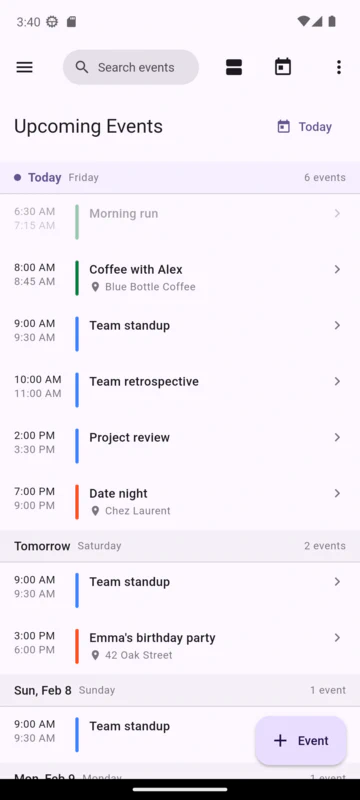
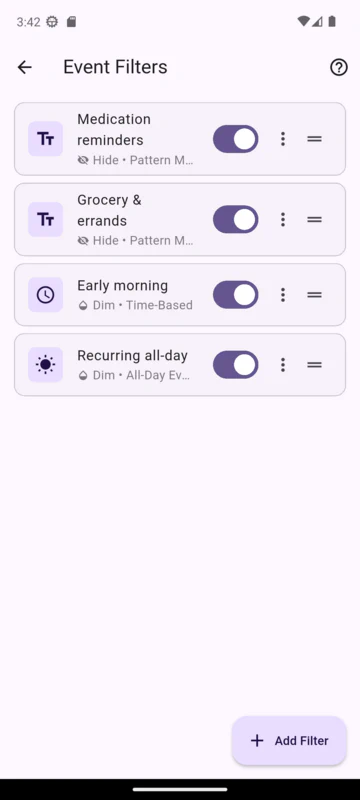
Smart Filtering
Long-press or right click any event to hide it, by keyword, time of day, all-day, or specific event. Your view only, no changes for anyone you share the calendar with.
Private by Default
Connects directly to your calendar providers. No Caffeinated account required. No analytics, no telemetry, no ads.
Free to Use
Every feature works on every device. Add multi-device sync of filters and views as a subscription when you’re ready.
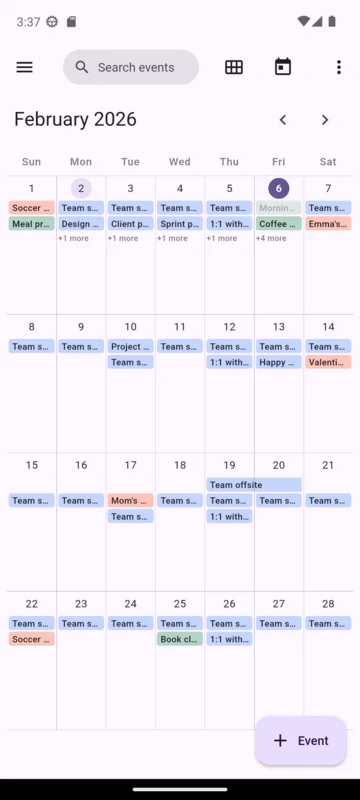
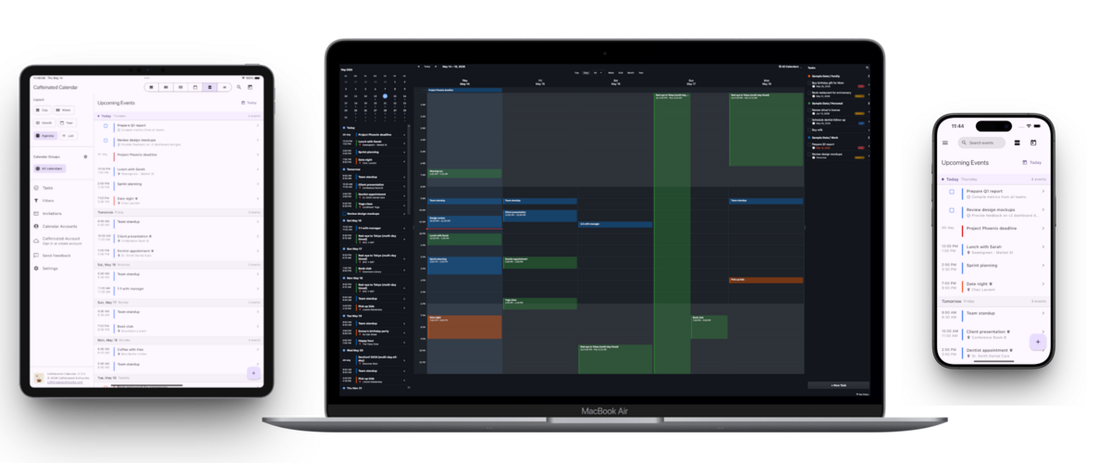
Built for real life, on every screen
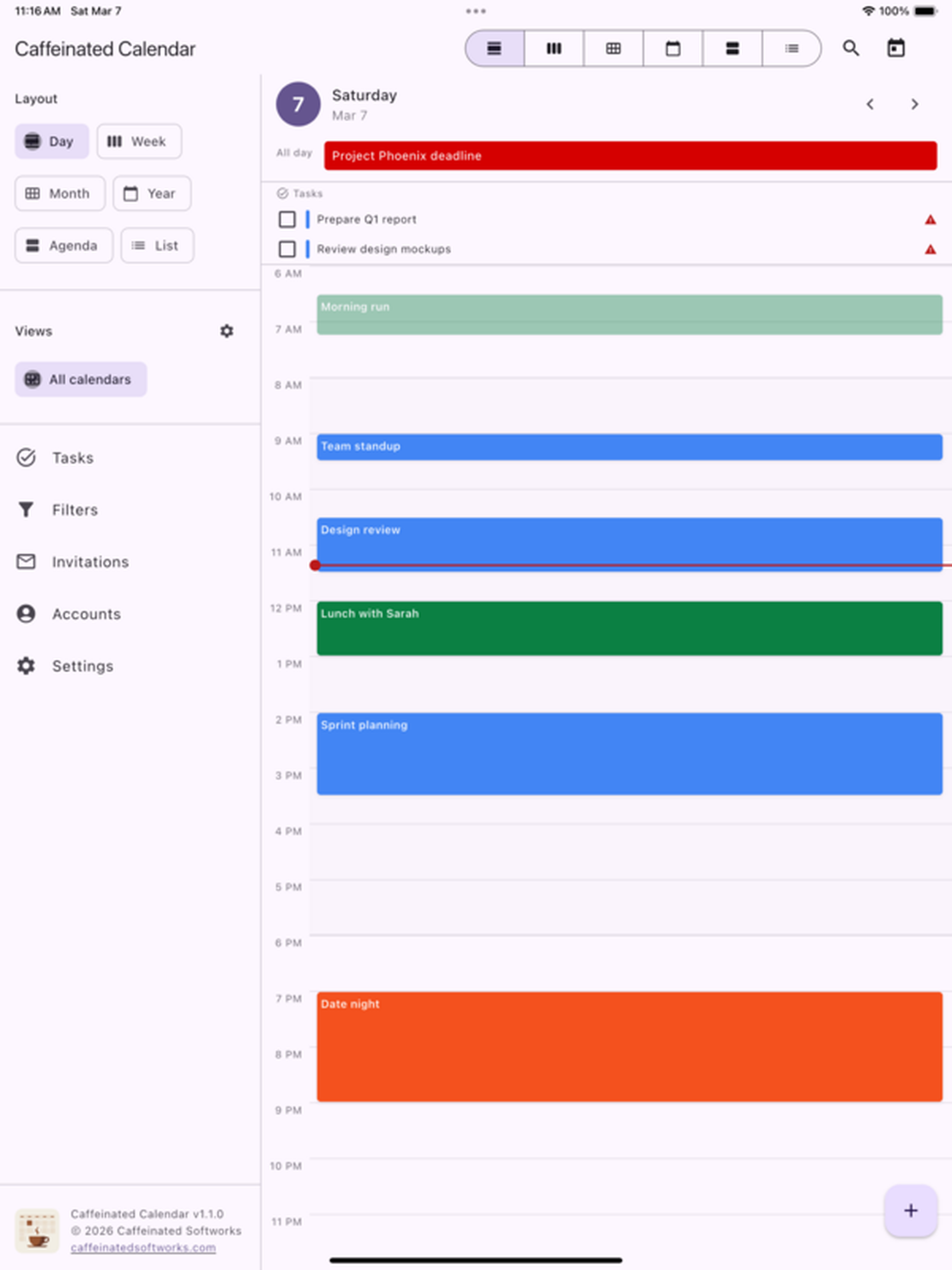
Caffeinated Calendar runs on iOS, Android, Windows, macOS, and Linux. The mobile app adapts to whatever screen you have, and the desktop version is a real native app, not a mobile UI in a wrapper. Your calendar loads instantly, even offline. Changes sync when you’re back online.
Connect Anything
Google, iCloud, Microsoft 365, Zoho, Fastmail, or any standard CalDAV server. No middleman, no account required.
Recurrence Without Limits
Every 2 weeks on Monday. Last Friday of the quarter. The 12th of every 3 months, 5 times. Whatever pattern you need.
Tasks Alongside Events
Create tasks with priorities, due dates, and subtasks. They sync with your provider and show up in Agenda and Day views.
RSVP and Invitations
Accept, decline, or mark tentative from the event screen. Pending invitations get their own tab with a badge count.
Download Now
Caffeinated Calendar is available on iOS, Android, Windows, macOS, and Linux.


The app is always free. Try multi-device sync free for 14 days, no credit card required.